
Japanese → English
Japanese to English live translation for audio on your computer
Most Japanese to English live translation apps are built for a phone held between two people. That works at a hotel desk. It does not work for a call with the Tokyo office, a Japanese webinar, or a stream with no subtitles. LiveTrans is a desktop app: it listens to the audio your Windows PC or Mac is playing, or to your microphone, and shows English subtitles while the Japanese is being spoken.
You read; you do not need to pass a device back and forth or wait for a voice to read the translation aloud.
Free: 1 hour a month. Pro: $4.99/month for 30 hours. Windows and Apple Silicon Macs on macOS 13.0+.
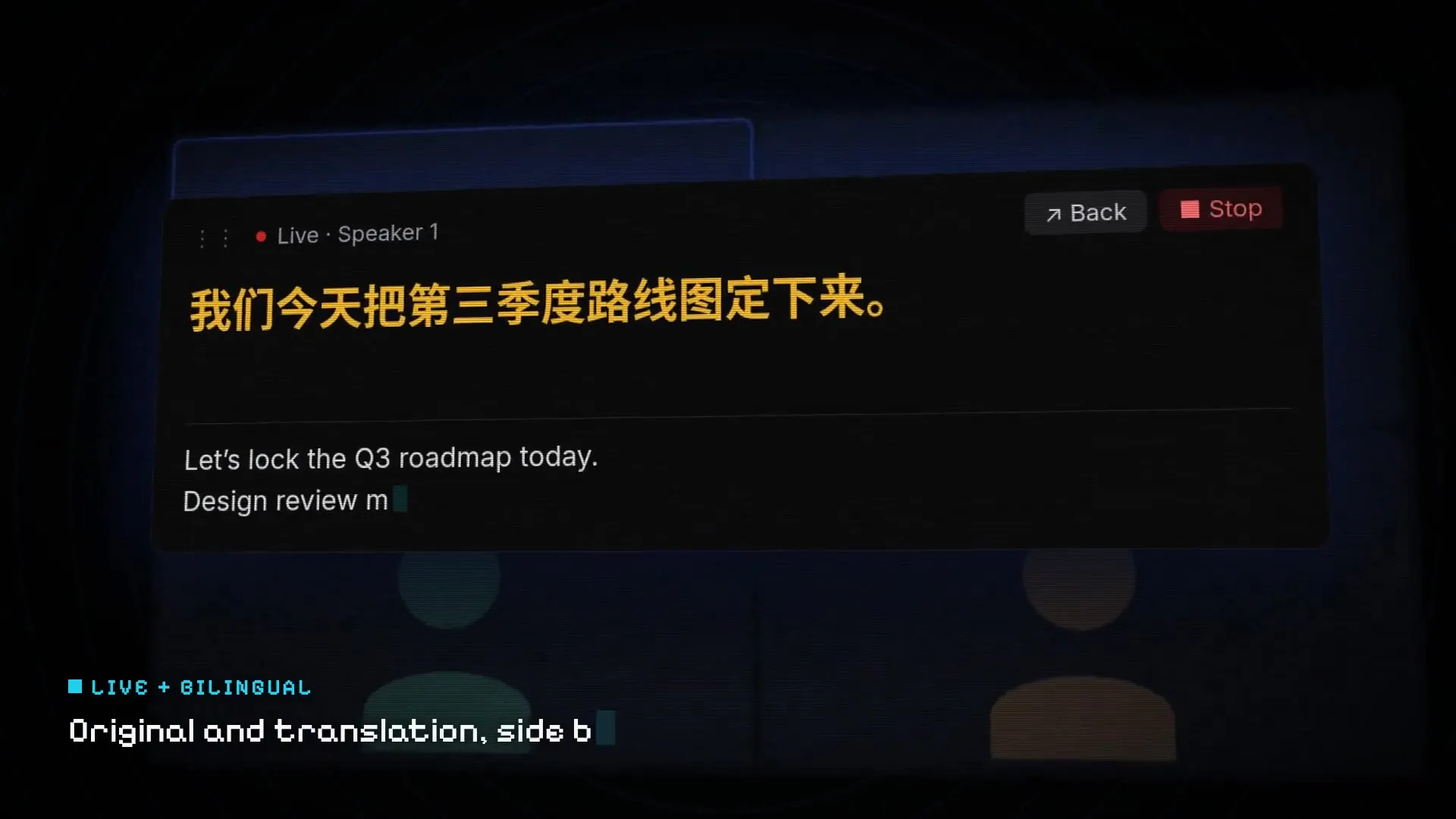
Fictional demo content; no customer, meeting, or account data.
Set it up in three steps
01
Set Japanese as the source
Choose Japanese as the spoken language and English as the target. Picking Japanese explicitly is steadier than automatic detection for long sessions.
02
Choose where the audio comes from
System Audio for calls, videos and streams; Microphone for someone speaking in the room; or both mixed.
03
Start and read along
Keep the floating subtitle window near the speaker’s video so your eyes do not have to travel far.
Get the installer from the LiveTrans download page.
Where people use Japanese to English subtitles
The common thread is audio that already comes out of a computer.
- Video calls with Japanese colleagues, clients or suppliers on Zoom, Teams or Google Meet.
- Japanese webinars, product announcements and press conferences.
- YouTube videos, VTuber streams and talks that have no English captions.
- Language study, with the Japanese line shown above the English one.
Reading the original next to the English
Japanese often leaves the subject unstated and shifts politeness levels, so a single translated line can read more confidently than the speaker meant. Showing the original next to the translation lets you catch names, numbers and katakana terms, and notice when a sentence is still unfinished.
Why English arrives a moment after the Japanese
Japanese typically puts the verb, and with it negation, at the end of the sentence. A system that translates word by word would get the meaning backwards; a good one waits for enough of the sentence to know what was said. That is why English subtitles trail Japanese speech slightly more than they trail, say, Spanish. A short lag is the price of not printing “we will … not” the wrong way round.
Practical tip: if a speaker talks in long run-on sentences, glance at the original line too. You will see when the sentence is still going.
Good to know before you rely on it
- Audio is sent over the network to cloud services for transcription and translation. LiveTrans is not an offline tool. Details are in the privacy policy.
- Automated text can contain errors. Check names, numbers and decisions before you act on them.
- Follow applicable law, consent requirements and your organisation’s policy when capturing audio.
Further reading
- Japan Foundation: Japanese-language education resources Background on how the language is taught and structured.
- Zoom: Using Language Interpretation When a human interpreter is the right choice for a formal meeting.
- Chinese to English live translation
- Live translate YouTube videos
Frequently asked questions
Can LiveTrans translate Japanese audio from a video call?
Yes. Choose System Audio and LiveTrans will subtitle what your computer plays, including Zoom, Teams and Google Meet calls.
Can it translate English back into Japanese?
Yes. Japanese is available as a target language too. Swap the source and target in the language menu.
Does it speak the translation out loud?
No. LiveTrans shows text subtitles. It is designed for reading along, not voice playback.
Does it work with a microphone for someone in the room?
Yes. Choose Microphone, or System Audio + Microphone if you need both sides of a conversation.
Is the Japanese translation accurate enough for contracts?
Treat it as a reading aid. Automatic translation can make mistakes, so confirm important details in writing or with a professional interpreter.
What does it cost?
Free covers 1 hour each month. Pro is $4.99 per month for 30 hours, with meeting history and text export.
Try it with the free hour
Every account gets 1 hour a month. Upgrade to Pro only if it earns its place.